
Nex Mobile POS
Video tutorials
21 short videos recorded on the app itself, each in English and Urdu, with chapters and a full transcript. Watch them in order, or jump to the task you need today.
 1
Nex Mobile POS — Mobile Shop Software in 3 Minutes
Nex Mobile POS is shop software made for mobile phone shops in Pakistan. Record every phone by IMEI, buy used phones with CNIC photos, sell with a WhatsApp receipt, keep khata and close the day with an exact cash count, on your phone or computer. This 3-minute tour shows it all.
- English · 2:46
- Urdu · 2:54
 2
First Sign-in & Install the App
Your Nex Mobile POS login arrives on WhatsApp. This video shows how to sign in the first time, set your own password, and install the app on your Android phone or iPhone so it opens with one tap.
- English · 1:57
- Urdu · 2:01
 3
Set Up Your Shop, Logo & Receipt
Set up your shop in Nex Mobile POS once: shop name, address, phone, WhatsApp, logo, receipt terms and warranty options. They appear on every receipt and slip you send to customers.
- English · 1:32
- Urdu · 1:34
 4
Add Salesmen & Control What They See
Give every salesman their own login in Nex Mobile POS. They can sell and check stock, but never see your cost prices, profit or settings, and every sale shows who made it.
- English · 1:43
- Urdu · 1:48
 5
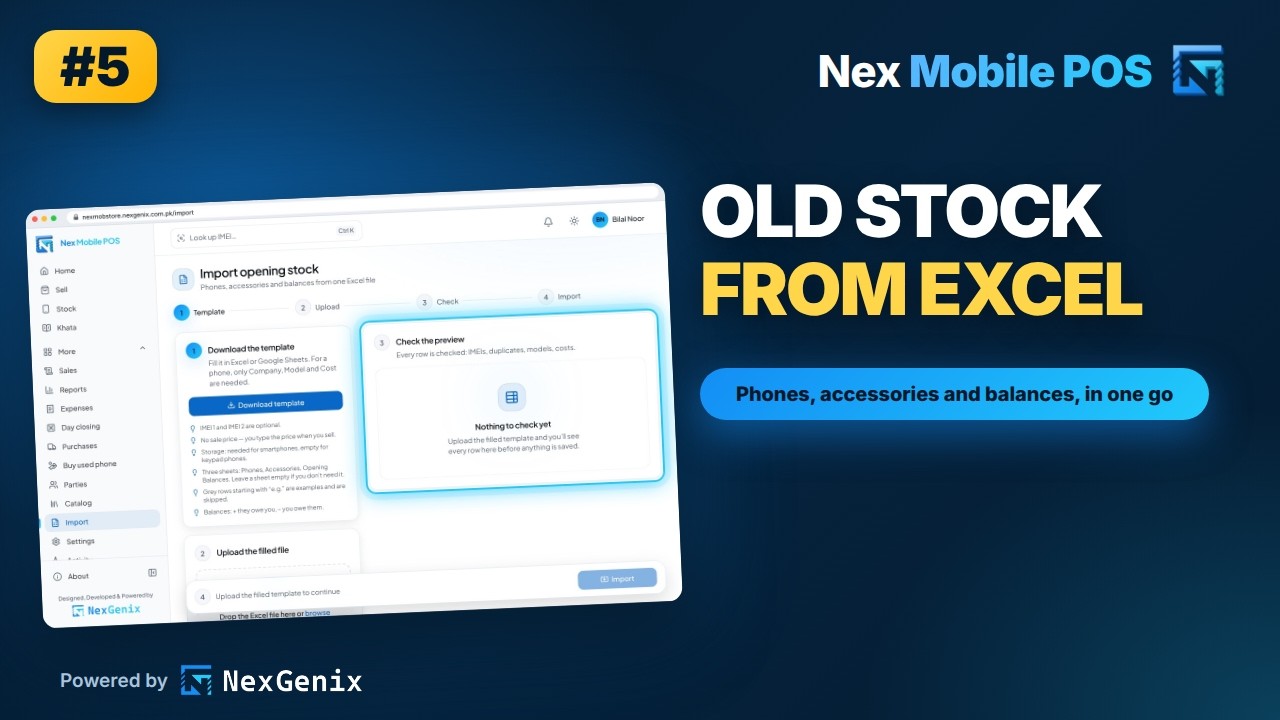
Load Your Old Stock from Excel
Already have stock in your shop? Load it into Nex Mobile POS in one go from an Excel file: phones with IMEI, accessories, and the balances customers and vendors owe. Nothing is saved until you check the preview.
- English · 1:52
- Urdu · 1:54
 6
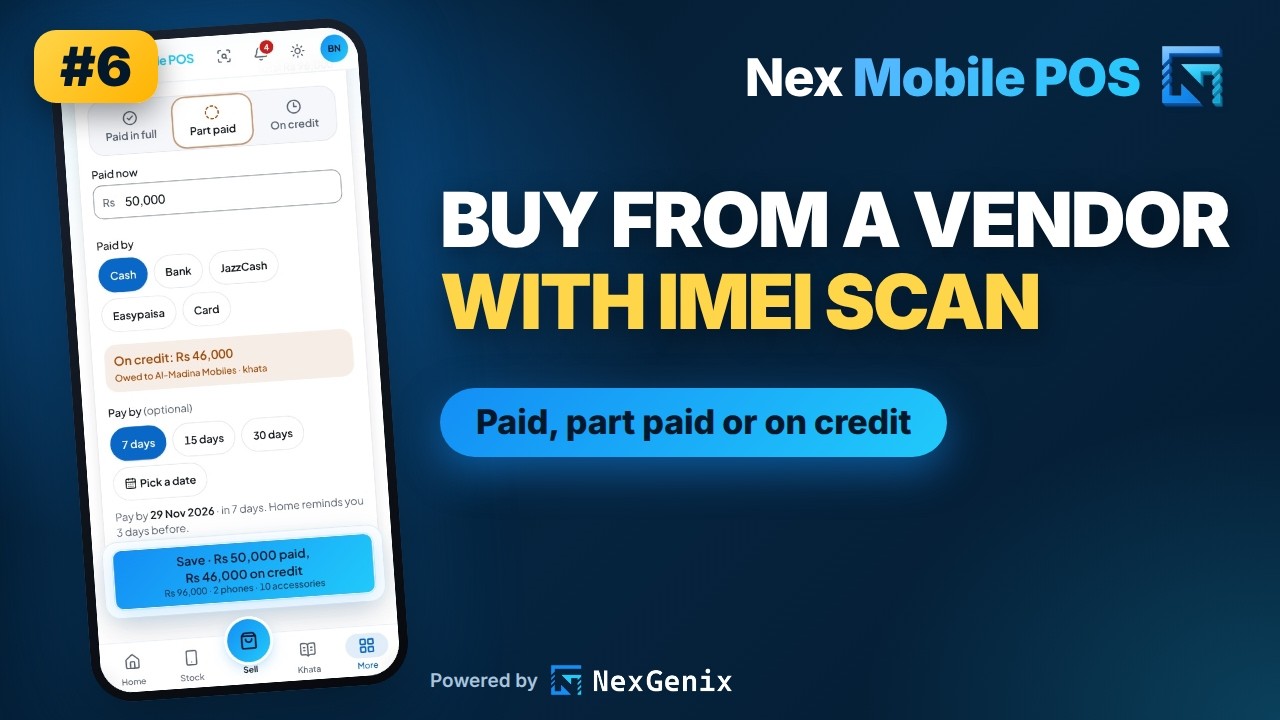
Buy Stock from a Vendor with IMEI Scan
Record every phone you buy from a vendor in Nex Mobile POS: scan the IMEI with your phone camera, add accessories, and pay in full, in part or on credit with a due date. Home reminds you before the payment is due.
- English · 1:50
- Urdu · 1:46
 7
Buy a Used Phone with CNIC Record
Buying a used phone from a walk-in customer? Record the IMEI, the price, the seller's CNIC and photos on one screen, and give the seller a slip on WhatsApp. If a phone ever turns out stolen, you have the proof.
- English · 1:37
- Urdu · 1:35
 8
Find Any Phone by IMEI & Manage Stock
Find any phone in seconds by IMEI or model, see its full history, share it as a ready-made ad, and keep stock right with adjustments and returns to the vendor. Everything in Nex Mobile POS stock, in 4 minutes.
- English · 1:54
- Urdu · 1:54
 9
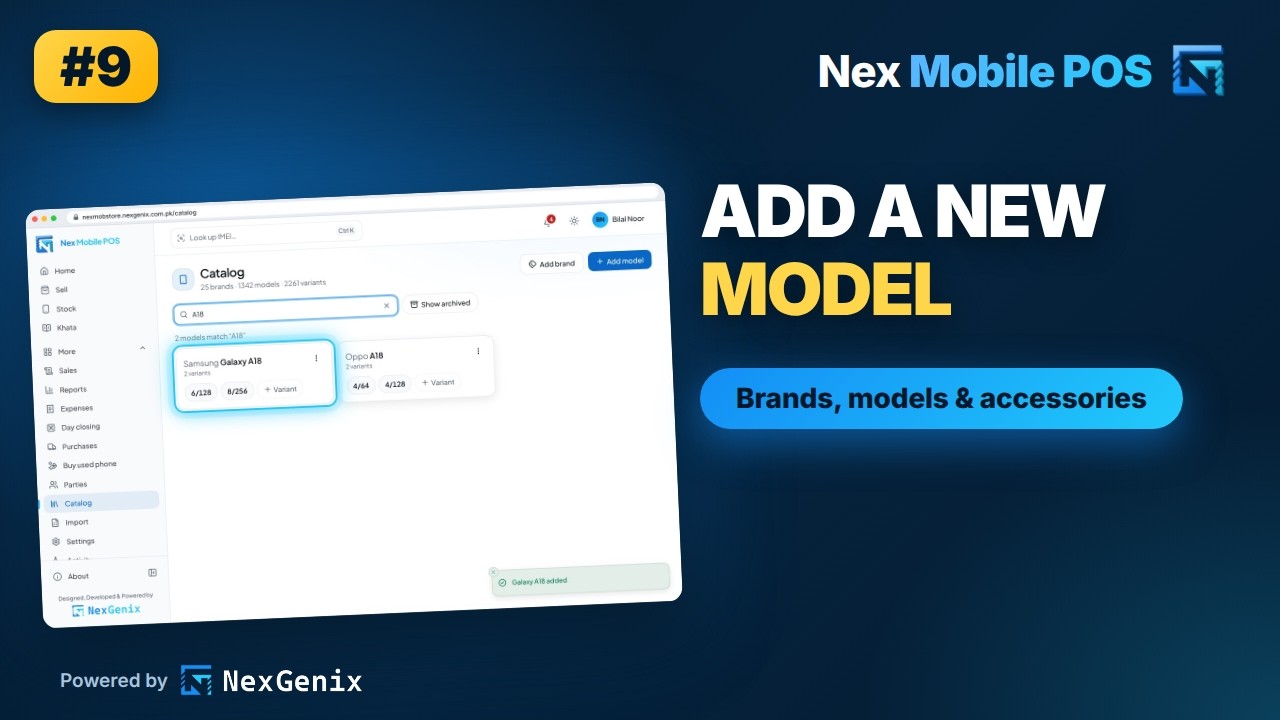
Add Brands, Models & Accessories
Nex Mobile POS comes with a ready phone catalog. This video shows how to add a newly launched model, its versions and new accessories, so they're ready to buy and sell.
- English · 1:28
- Urdu · 1:29
 10
Sell in 2 Taps + WhatsApp Receipt
A cash sale in Nex Mobile POS takes two taps: find the phone by its last 4 IMEI digits, type the price, Complete sale. The customer gets a receipt on WhatsApp and opens it without any app.
- English · 1:38
- Urdu · 1:41
 11
JazzCash, Card, Split & Credit Sales
Take payment any way your customer pays: cash, bank, JazzCash, Easypaisa, card, split between two, or on khata (credit). Add a discount and a warranty for each item before you complete the sale.
- English · 1:39
- Urdu · 1:37
 12
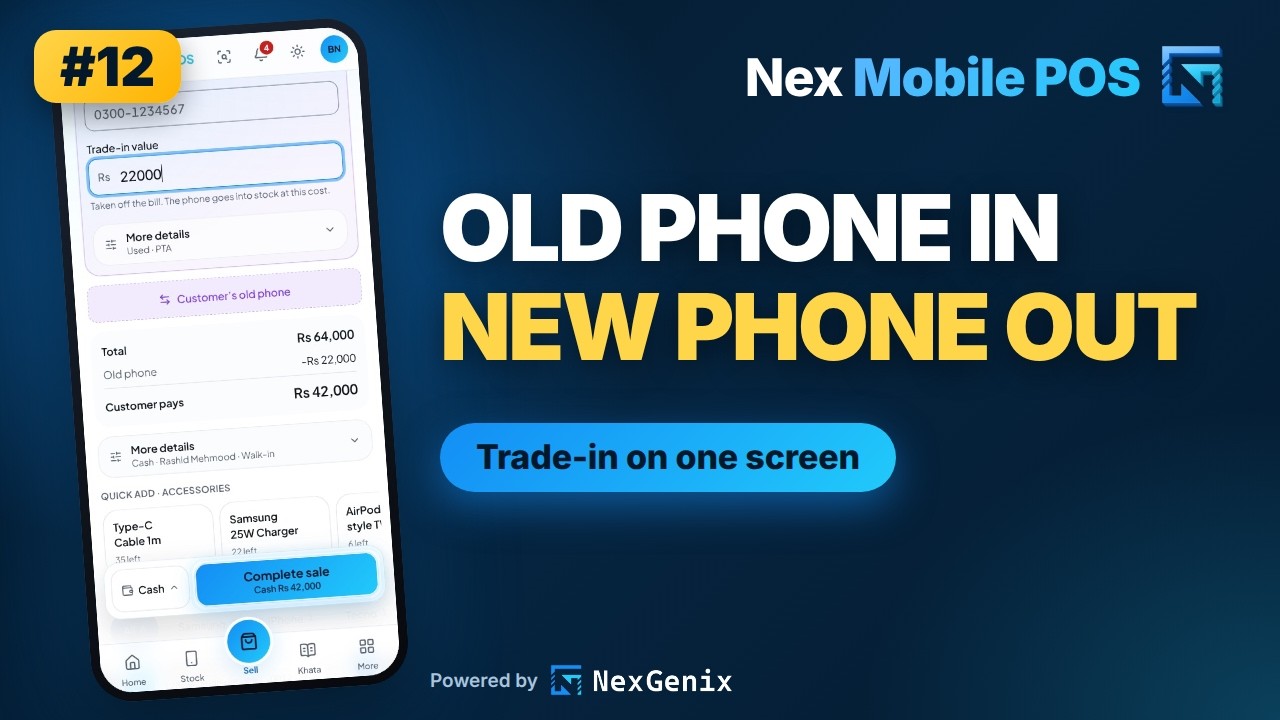
Trade-in: Old Phone in Exchange
Customer wants to exchange their old phone? Nex Mobile POS takes the trade-in on the same sale screen: the bill drops by the old phone's value and the old phone goes into your stock, ready to sell.
- English · 1:32
- Urdu · 1:36
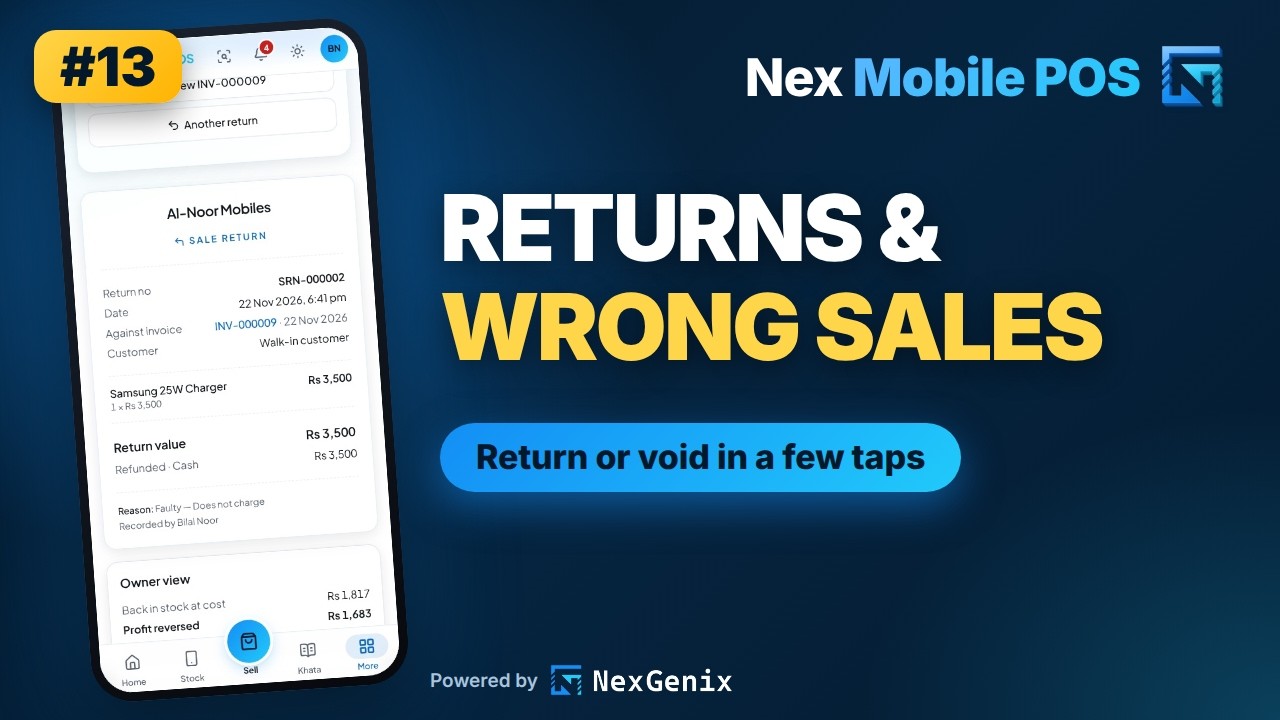 13
Customer Returns & Wrong Sales
A customer brings a phone or accessory back? Return it from the invoice in a few taps, and the item goes straight back into stock. Made a sale by mistake? The owner can void it, and it stays on record.
- English · 1:48
- Urdu · 1:47
 14
Khata: Collect Udhaar & Pay Vendors
See who owes you and whom you owe on one screen. Collect udhaar, pay vendors, send a polite WhatsApp reminder and share a full khata statement as a PDF, all in Nex Mobile POS.
- English · 1:50
- Urdu · 1:56
 15
Record Expenses & Monthly Bills
Record rent, bills, salaries, tea and transport in seconds, and set up monthly bills once so they come back every month for one-tap confirmation. See exactly where your money goes.
- English · 1:33
- Urdu · 1:32
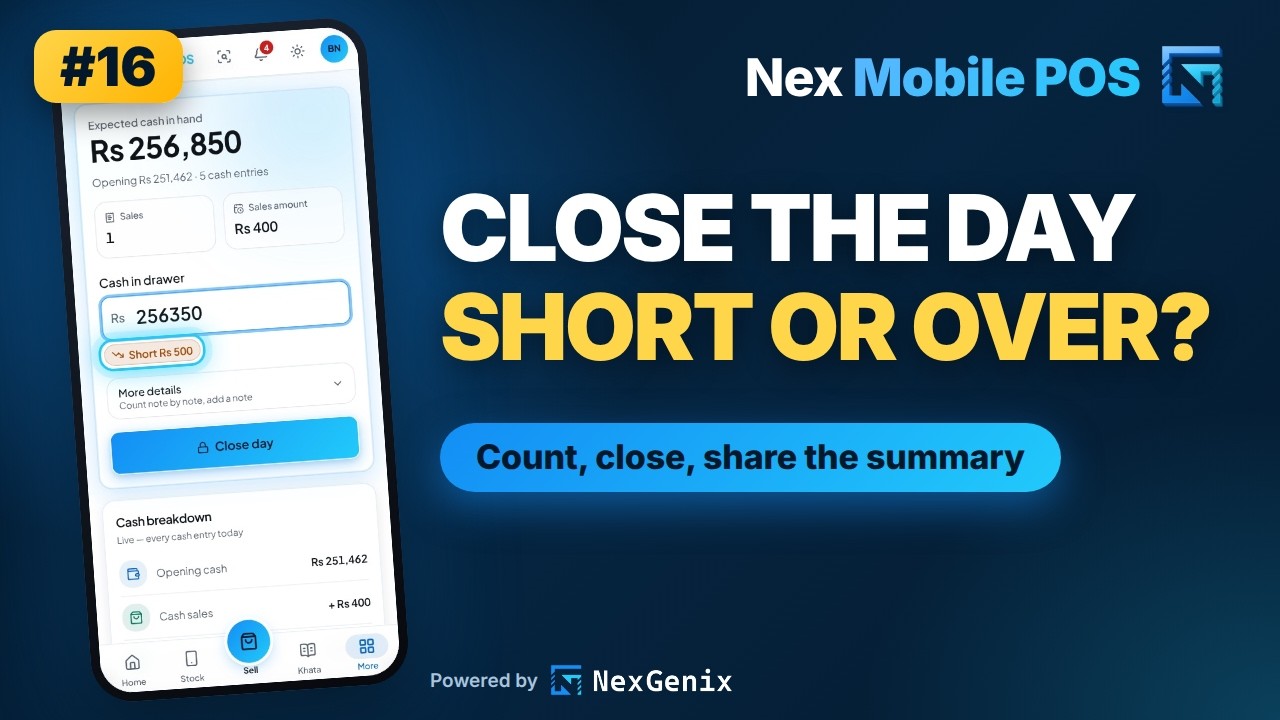 16
Close the Day: Cash Short or Over?
Count your cash before you go home and Nex Mobile POS tells you at once if the drawer is short or over. Close the day and share the summary of sales and profit on WhatsApp.
- English · 1:47
- Urdu · 1:45
 17
See Your Profit: Home & Reports
See your sales and real profit for today, this week or this month, and open any of 35 reports: profit & loss, stock aging, dead stock, salesman performance and more. Export any report to PDF or Excel.
- English · 2:31
- Urdu · 2:34
 18
Activity Log, Alerts & Notifications
Know everything that happens in your shop, even when you're away: the activity log shows who did what and when, alerts flag what needs you, and your phone gets the day-closed summary and a morning digest.
- English · 1:54
- Urdu · 1:57
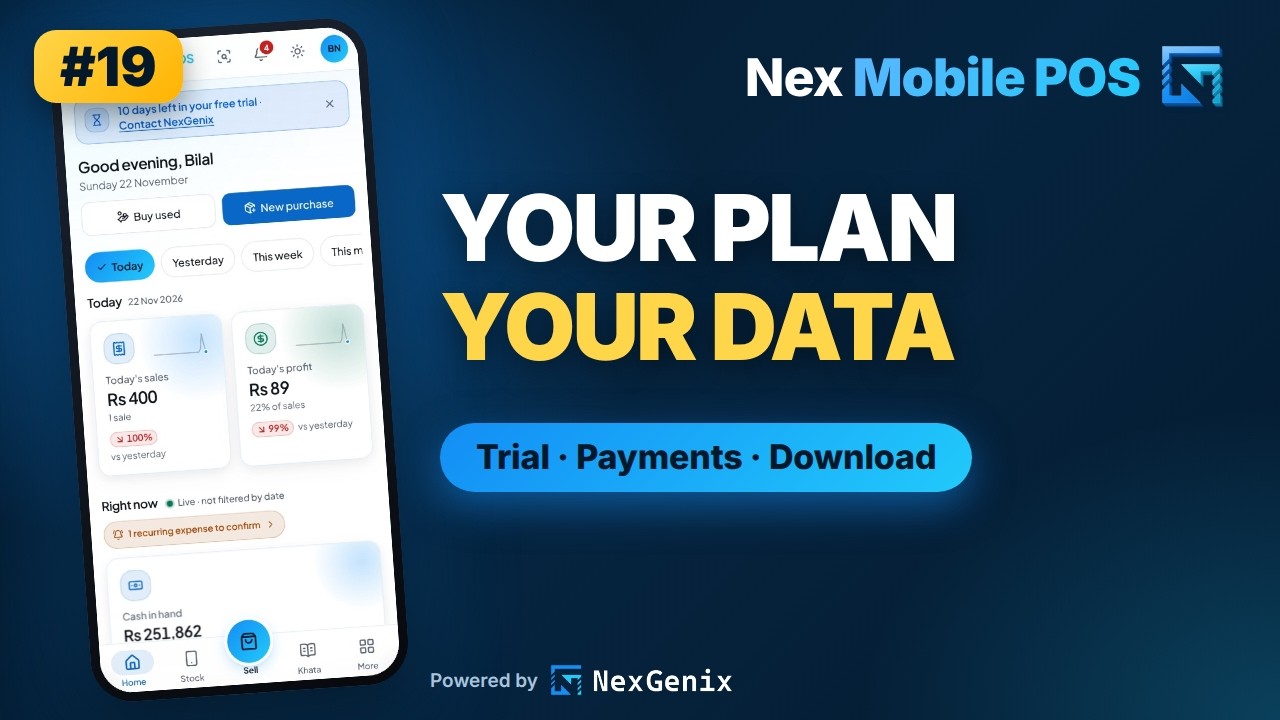 19
Your Plan, Payments & Your Data
How your Nex Mobile POS plan works: the free trial, paying NexGenix by JazzCash, EasyPaisa, bank or cash, what happens if a payment is late, and how to download all your shop's data in one Excel file.
- English · 1:51
- Urdu · 1:58
 20
For Salesmen: Your Daily Work
New salesman at a shop using Nex Mobile POS? This video covers everything you do every day: sign in, sell, send the receipt on WhatsApp, check stock, make a return and see your own sales.
- English · 2:11
- Urdu · 2:14
 21
A Full Day at a Mobile Shop
Follow one complete day at a mobile phone shop using Nex Mobile POS, from the first sale to closing the cash at night: new stock, a cash sale, a trade-in, a credit sale, khata payments, expenses, day closing and the day's profit. Each step names the video that shows it in detail.
- English · 4:15
- Urdu · 4:17
See it on a real shop
Open the live demo shop in your browser, or message us on WhatsApp for a 14-day free trial.