
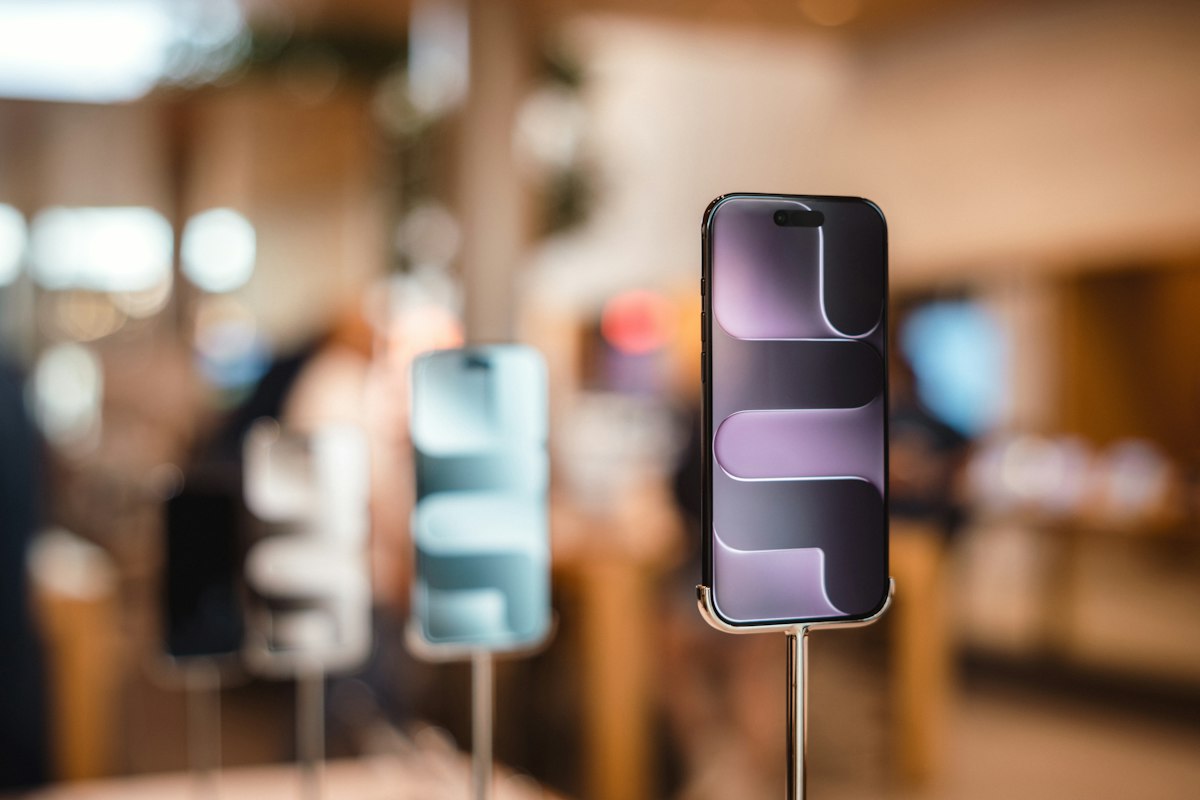
Nine at night, the shutter half down, and the drawer is a few thousand rupees short. Nobody stole anything. A JazzCash payment was rung up as cash, a regular customer's balance lives on the back of a carton, and the iPhone sold at two o'clock was the Non-PTA unit, not the PTA one the customer paid for.
Mobile shop software in Pakistan is supposed to end evenings like this, whether your shop is in Hafeez Centre or a small market down the road. A lot of it doesn't, because it was built for a general store and adapted. A phone is not a packet of biscuits: every handset has its own IMEI, its own PTA status and often a history as somebody's used phone.
Below is the checklist we would use to buy mobile shop management software for our own counter. We build one of these products, Nex Mobile POS, and would rather say so up front. The checklist works for any vendor. Ours included.
Why a General Retail POS Struggles in a Phone Shop
A general retail POS thinks in products: scan a barcode, drop the quantity by one. Fine for chargers and cases, and a good mobile shop POS should still handle accessories that way.
For handsets it breaks within a week. The barcode on an iPhone box identifies a model; the IMEI identifies that phone. When a customer comes back with a swollen battery saying "you sold me this", the useful question is whether this IMEI left your shop, when, at what price and with what warranty. A quantity count can't answer that, and neither can the khata book. If the software has no idea of an individual phone, end the demo there.
The Checklist: 12 Things to Check in Mobile Shop Management Software
1. IMEI tracking that catches typos and duplicates
Every handset should be its own record, searchable by IMEI. Fifteen digits typed at a busy counter go wrong often, and the format helps: the last digit is a Luhn check digit calculated from the first fourteen, the method card numbers use. By hand, on a textbook example IMEI:
IMEI typed:                 4  9  0  1  5  4  2  0  3  2  3  7  5  1  | 8
Double every 2nd digit:     4 18  0  2  5  8  2  0  3  4  3 14  5  2
18 -> 1+8, 14 -> 1+4:       4  9  0  2  5  8  2  0  3  4  3  5  5  2   sum = 52
Check digit:                (10 - 52 mod 10) mod 10 = 8, matches the 15th digit
Type one digit wrong, say 490154203237528, and the sum misses the check digit, so the entry is refused before it pollutes your stock. Most swaps of neighbouring digits fail too. What the check digit can't catch is a valid IMEI entered twice. That is what duplicate detection is for.
Ask the vendor: "Type a wrong IMEI, then one that's already in stock. Show me what happens." Also ask whether both IMEIs on a dual-SIM phone are stored, since PTA tells buyers to check every IMEI on a device.
2. PTA, Non-PTA or JV status on every phone
Two units of the same model can sit at very different prices because one is PTA-approved and the other isn't, and customers ask about it before storage. That status belongs on each phone record and the stock list, so nobody has to remember which box was which.
That field is your record, not a lookup. The official status comes from PTA's DIRBS: SMS the 15-digit IMEI to 8484, or use the options in PTA's DIRBS FAQ, before you buy, because a non-compliant device is subject to blocking. If a vendor claims the software "checks PTA status", ask where that answer comes from.
Ask the vendor: "Can I filter stock by PTA status and see it at the moment of sale?"
3. Buying used phones with CNIC, seller details and a slip
The used-phone trade is where a shop carries the most risk. If a phone you bought turns out to be stolen or blocked, the first question is who sold it to you. "Some guy, after lunch" is not an answer.
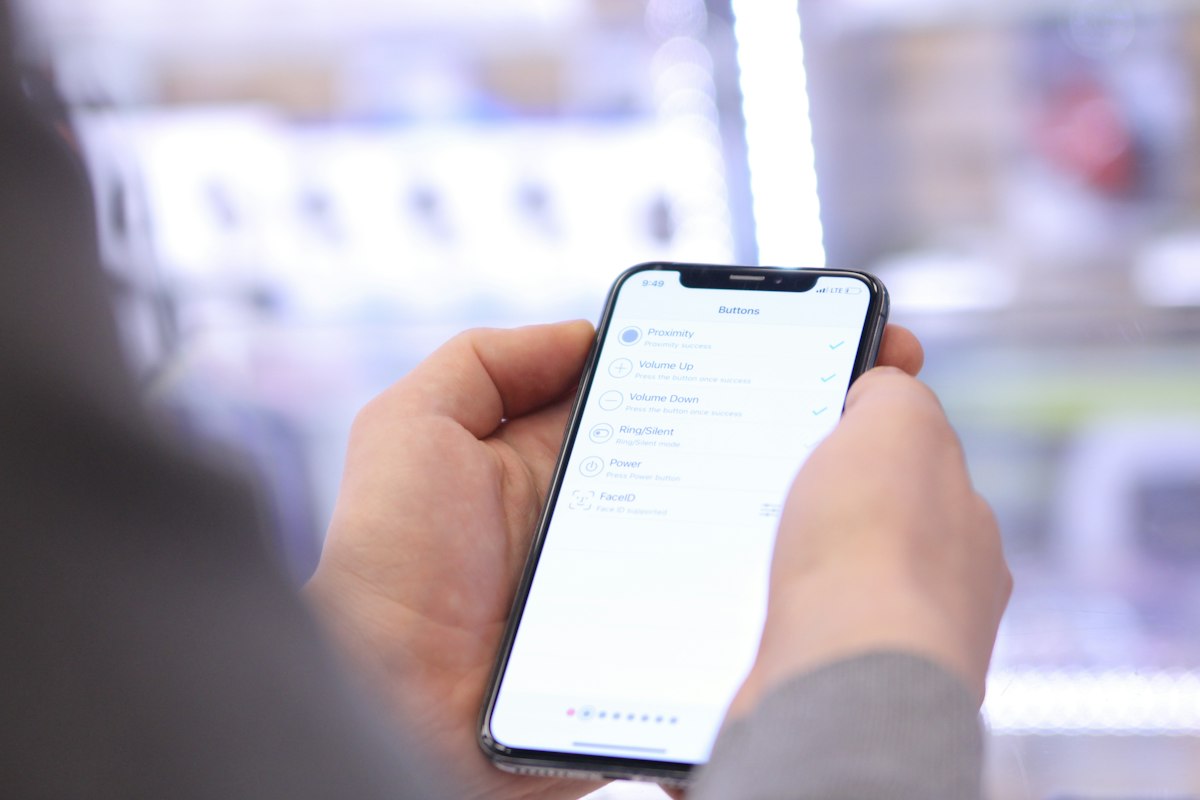
The buying screen should need only the model and the price, let you record the IMEI and the seller's name, mobile and CNIC, and produce a slip both sides keep. The same PTA FAQ says buying or selling a phone registered under someone's CNIC is at your own risk, and tells buyers to get the seller's duty payment record. Paperwork is the cheapest protection a shop has.
Speed matters too: a purchase that takes five screens gets skipped on a busy Saturday. It is the counter version of the form friction in UX mistakes that kill conversions.
Ask the vendor: "Can the seller get the slip on WhatsApp? Who on my staff sees the full CNIC?"
4. Fast selling with trade-ins and split payments
A phone sale is rarely one item for cash. The customer trades in their old phone, pays part by JazzCash and part in cash, and asks you to keep the rest on khata till month-end. If that needs three screens and a manager, the salesman writes it on paper to enter "later". Later never comes.
Ask the vendor: "Show me one sale with a trade-in, Easypaisa plus cash, and the balance on credit. I'll count the taps."
5. Khata for customers and vendors
Much of the phone trade runs on khata: customers paying a phone off over a few weeks, wholesale vendors giving you stock on credit. Both need ledgers with running balances and statements you can send. The vendor side is the one general retail software tends to forget.
Ask the vendor: "Does a credit purchase land in the vendor's khata automatically? Can I send a customer their statement and a reminder on WhatsApp?"
6. Day closing that matches the drawer
Ask owners what they want from software and many will say: at closing time, tell me how much cash should be in the drawer. Not total sales, which mixes in bank, JazzCash, card and khata. Cash.
A proper day close starts from the last count, adds cash coming in, subtracts cash paid out and expenses, and compares that expected figure with tonight's count. Short, over or exact, recorded daily. A shortfall spotted the same night can usually be traced. One found at month-end rarely is.
Ask the vendor: "Walk me through closing the day. Where do JazzCash payments go?"
7. Costs and profit visible to the owner only
Plenty of owners hide purchase prices from salesmen, for a simple reason: a salesman who knows the floor price sells at the floor. Hiding a column isn't enough, because cost leaks through reports and exports. The rule has to be enforced on the server, so cost and profit never reach a salesman's device at all.
Ask the vendor: "Log in as a salesman and show me every place cost or profit could appear."
8. Receipts on WhatsApp
Customers expect the bill on WhatsApp. Know what "WhatsApp integration" means: most products open WhatsApp with the message ready and you press send, while fully automatic sending needs the WhatsApp Business API, a separate setup with Meta. Check the link too. If receipt links are numbered 1, 2, 3, anyone holding one can guess the next and read another customer's bill.
Ask the vendor: "Is the receipt link guessable, and does it show my cost anywhere?"
9. Reports you can export
You will want sales by salesman, profit by model, slow stock, the khata due list and monthly expenses, each exportable to PDF for printing and Excel for your accountant, and still quick with a year of sales inside. Reports are only as fast as the database underneath, a lesson we wrote up from optimizing a 287-table production MySQL database.
Ask the vendor: "Show me last month's profit by model, then export it to Excel."
10. Works on the phone in your pocket
Owners aren't always at the shop. The software should work properly in a phone browser, ideally installable as an app, so you can check today's sales from home or a balance from the wholesale market. If there's an Android app, ask whether it comes from Google Play or as a downloaded file.
Ask the vendor: "Open the stock screen on my phone, right now, on mobile data."
11. Importing your existing stock
You already have phones on the shelf, customers who owe you and vendors you owe. If moving all that in means a week of typing, the switch stalls. Look for an Excel template, a preview that shows errors before anything is saved, and protection against importing the same file twice.
Ask the vendor: "If I send you my stock list today, how does it get in, and who checks it?"
12. Data ownership, backups and support language
Your stock and khata are the business. Ask where the data lives, whether your shop gets its own database, how often it is backed up, and whether anyone has restored a backup to prove it works. Ask what language support happens in, and how fast someone answers on a Saturday afternoon.
Ask the vendor: "If I leave, how do I get my data back, and in what format?"
Paper, Spreadsheet, General POS or Mobile Shop POS Software?
Most shops are really choosing between four options.
| Check | Register + khata book | Spreadsheet | General retail POS | Mobile shop software |
|---|---|---|---|---|
| Each phone tracked by IMEI | No | By hand | Rarely, built around quantities | Yes |
| Wrong or repeated IMEI caught | No | Only with formulas you maintain | Rarely | Should be built in |
| PTA / Non-PTA status per phone | Written on the box | A column, if someone fills it | Usually missing | Yes |
| Used-phone purchase with seller CNIC | Photocopy in a file | A separate sheet | Not designed for it | One screen and a slip |
| Customer and vendor khata | Yes, on paper | Possible, by hand | Often customers only | Both |
| Day closing against the drawer | Mental maths | Manual | Varies | Expected vs counted |
| Cost hidden from salesmen | Only if you hide the book | No, whoever opens the file sees it | Varies | Should be server-enforced |
| Receipts on WhatsApp | No | No | Sometimes | Usually a link |
| Setup effort | None | Low | Medium | Medium, faster with import |
Paper is fine for a shop selling a handful of phones a week with one person on the counter. The break point is usually the second salesman. Once two people handle stock and cash, the records can't depend on anyone's memory, including yours.
Pricing Models for Mobile Shop Software in Pakistan
Mobile shop software in Pakistan is sold in a few ways, and the headline price hides what matters.
- Monthly subscription. Low to start. Check whether extra salesmen cost extra, and what happens to your data when you stop paying.
- One-time desktop licence, often with yearly support. Backups, and data stuck on one computer, become your problem.
- Installed per shop by the vendor. A separate installation for your shop. Ask what the price covers and what recurs.
- Free apps. Fine for a simple khata on one phone. Read the export terms first.
Whatever the model, ask what's included: setup, stock import, training, backups, updates and support hours. If you're weighing off-the-shelf against custom-built, the three-year arithmetic in our guide on when custom development is worth the investment applies. Cheap on day one isn't always cheap in year three.
Red Flags During the Demo
Some demo answers should end the conversation:
- It only runs on sample data, and they won't load a few rows of yours.
- IMEI is a free-text box with no validation.
- A salesman login can see purchase prices anywhere, exports included.
- Bills can be deleted instead of voided.
- No activity log of who changed a price.
- Your must-haves are all "coming soon".
- You can't export your own data.
Deleted bills are the one we would walk away over. Where cash changes hands all day, a record that can quietly vanish is a record nobody trusts.
How Nex Mobile POS Handles This
We built Nex Mobile POS, our mobile shop management software, for exactly this counter: new and used phones plus accessories, in rupees, on Pakistan time. Against the list:
- Stock by IMEI: check-digit validation and duplicate detection (IMEI optional per phone), with condition, grade, PTA / Non-PTA / JV status, battery health, 30/60/90-day ageing badges and full IMEI history.
- Used-phone buying on one screen: model and price required; IMEI, seller name, mobile and CNIC optional. The slip's public link masks the CNIC and can go out on WhatsApp.
- Selling: trade-ins, discounts, per-item warranty and five payment methods, JazzCash and Easypaisa included, with split payments and credit to khata.
- Khata and day closing: customer and vendor ledgers with PDF statements and WhatsApp reminders; the day close records Short, Over or Exact.
- Owner-only numbers: the server never sends cost, profit or vendor balances to a salesman. Documents are voided, not deleted, and every change is logged.
- 35 reports exporting to PDF and Excel; installable from Chrome, with an Android app as a downloaded APK.
- One installation per shop with its own database, set up and maintained by our team, plus a nightly database backup on the server. Priced per shop; ask us for pricing.
The limits, plainly: the interface is English only (the user guide is English and Urdu), there is no offline selling, and repairs, job cards and instalment plans aren't supported yet. Receipts go out through a WhatsApp link you tap, not automatically. PTA status is recorded, not queried from DIRBS.
Open the Nex Mobile POS live demo in any browser; demo access is shared on WhatsApp. Screenshots, the brochure and the user guide are on our mobile shop POS software page. If you need something it doesn't do, our POS and inventory software development team builds custom systems, following our four-phase custom software development process.
Frequently Asked Questions
Which is the best mobile shop software in Pakistan?
The one that passes these checks with your own data in the demo: IMEI-level stock with PTA status, used-phone buying with seller details, customer and vendor khata, a day close that matches the drawer, and cost prices hidden from salesmen.
How much does mobile shop software cost in Pakistan?
It is usually sold as a monthly subscription, a one-time desktop licence with yearly support, or a per-shop installation by the vendor. Compare what each price includes, from setup and stock import to backups and support, not just the headline number.
Can mobile shop software check whether a phone is PTA approved?
Most mobile shop software records PTA status as a field you set. The official status comes from PTA's DIRBS system: SMS the 15-digit IMEI to 8484 or use PTA's device verification service, and check every IMEI on a dual-SIM phone.
Does mobile shop software work without internet?
Desktop programs work offline but keep the data on one computer. Web-based systems, including Nex Mobile POS, need an internet connection to record sales, so ask what happens at the counter when the connection drops.
Is Excel enough to run a mobile shop?
For a small shop where one person handles stock and cash, it can be. It struggles once you need IMEI validation, live khata balances, a daily cash close and hidden cost prices, because anyone who opens the file sees everything.
Can I run my mobile shop from my phone?
Yes, if the software works in a mobile browser or as an installed app. In the demo, try a sale and the day close on your own phone over mobile data.
Take This List to Every Demo
Including ours. A vendor comfortable being tested on your own stock, with a salesman's login, at closing time, has usually spent time behind a phone counter. One who steers you back to the brochure has told you something too.
Choosing software for your phone shop?
Tell us your city and roughly how many phones you stock. We will walk you through Nex Mobile POS on WhatsApp, share demo access and tell you honestly whether it fits.
Reviewed by the NexGenix engineering team. Read our editorial guidelines to learn how we verify sources, disclose AI assistance, and correct errors.


Discussion
Sign in to join the discussion